01
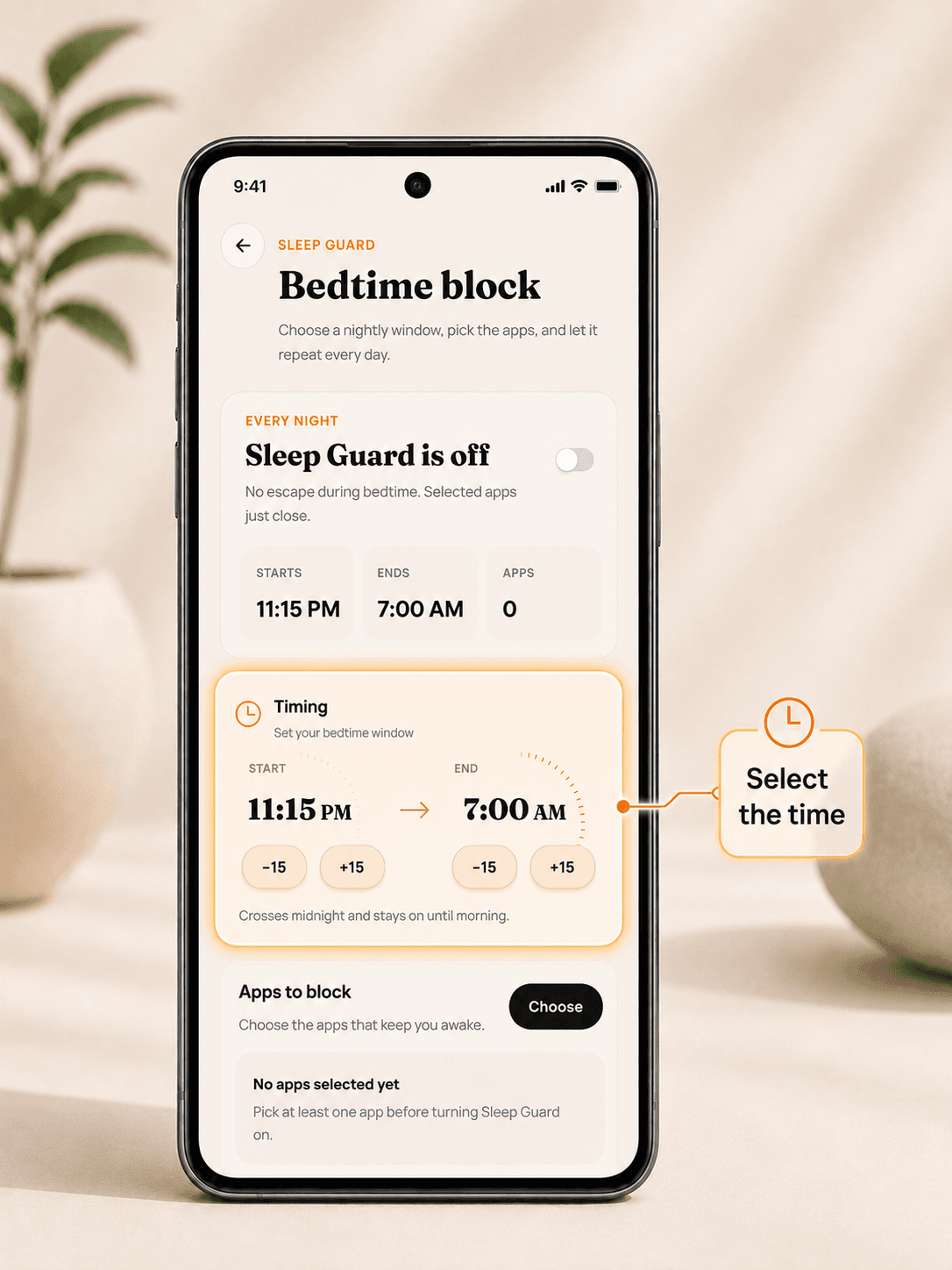
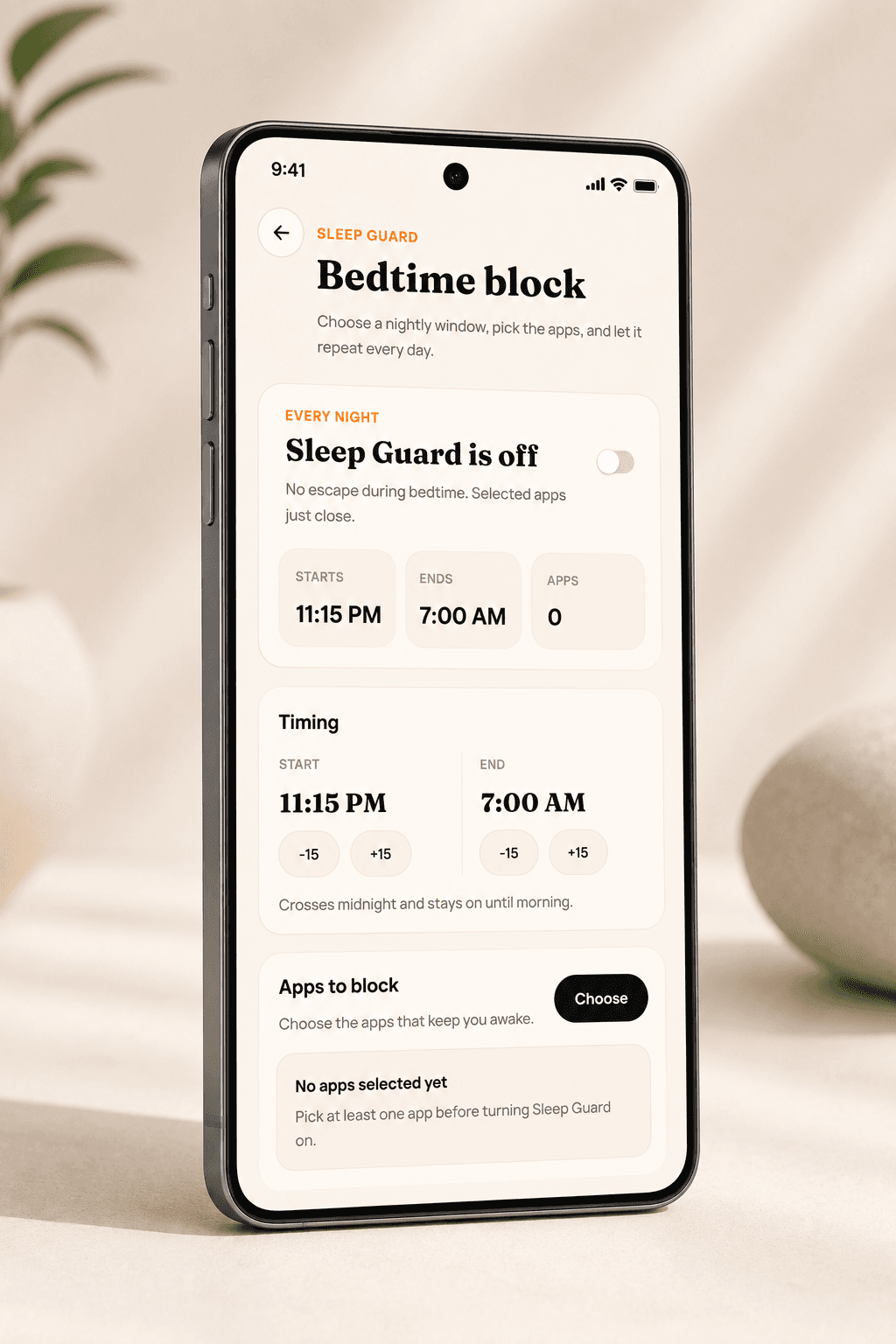
Select the time
Choose the bedtime window once. DeepLock repeats it every night.
Now live on Android and Chrome
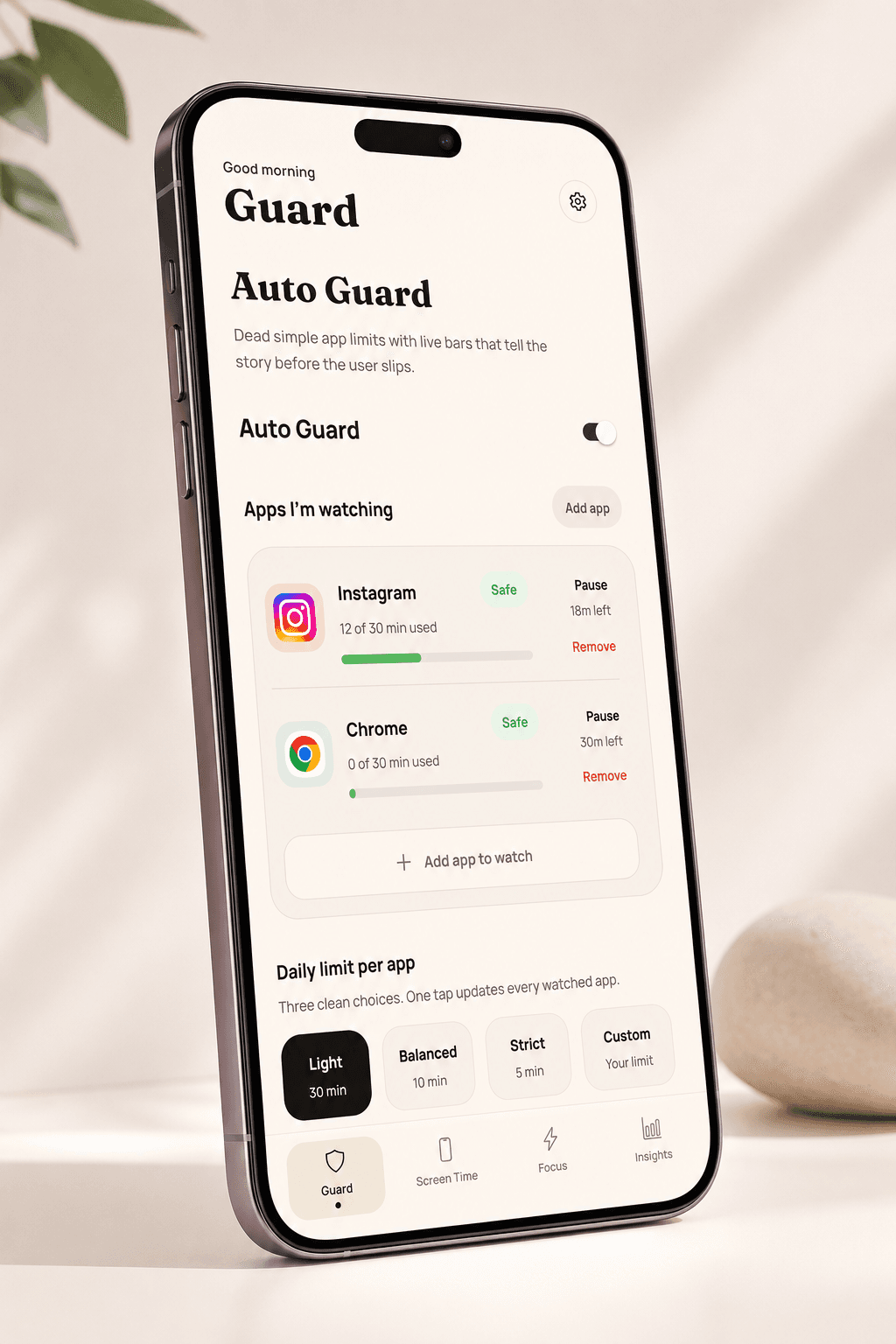
No reminders. No "Just 5 more minutes." When your limit is reached, distracting apps close automatically.
How it works
Choose the bedtime window once. DeepLock repeats it every night.
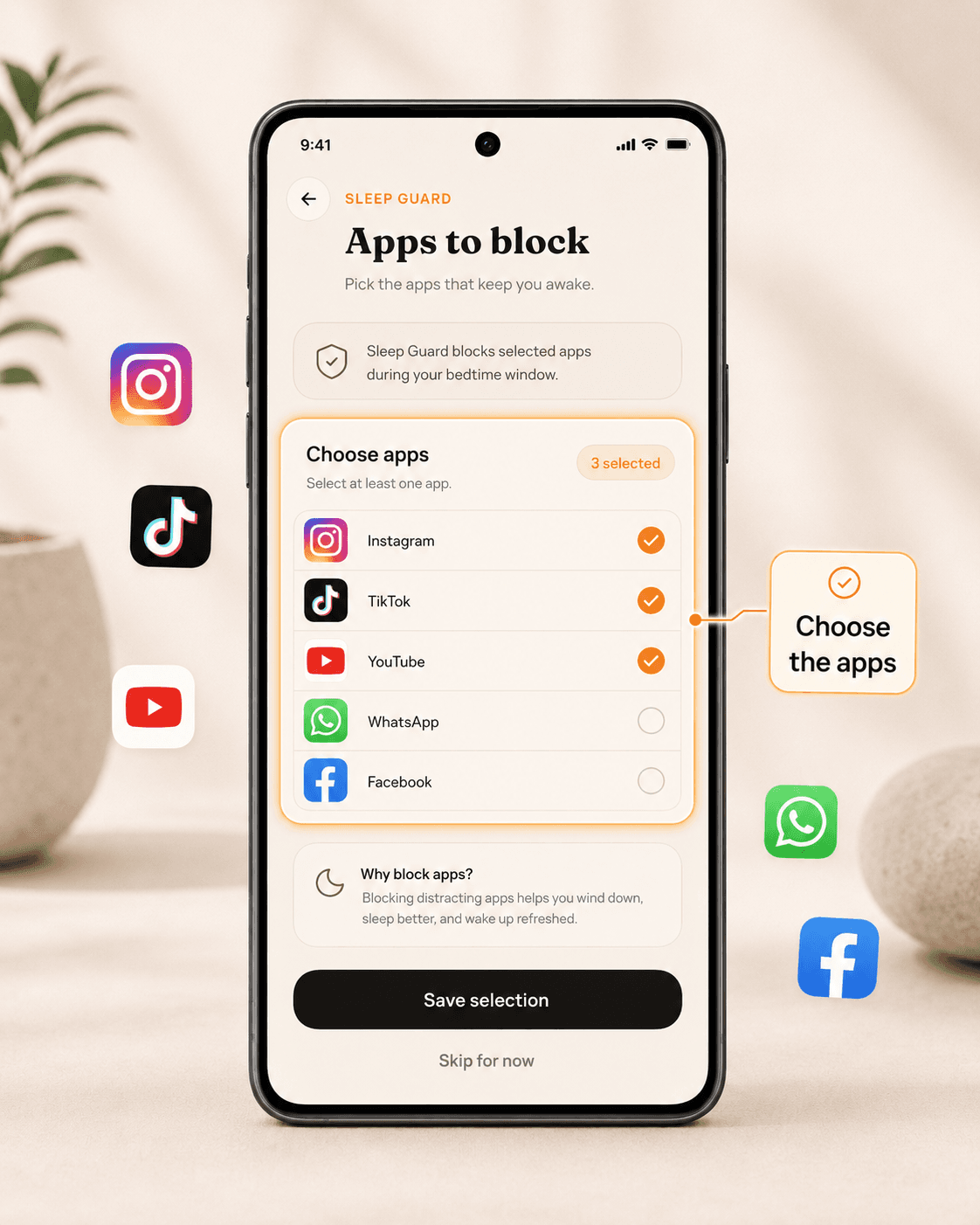
Pick the apps that keep you scrolling late: Instagram, TikTok, YouTube, and more.
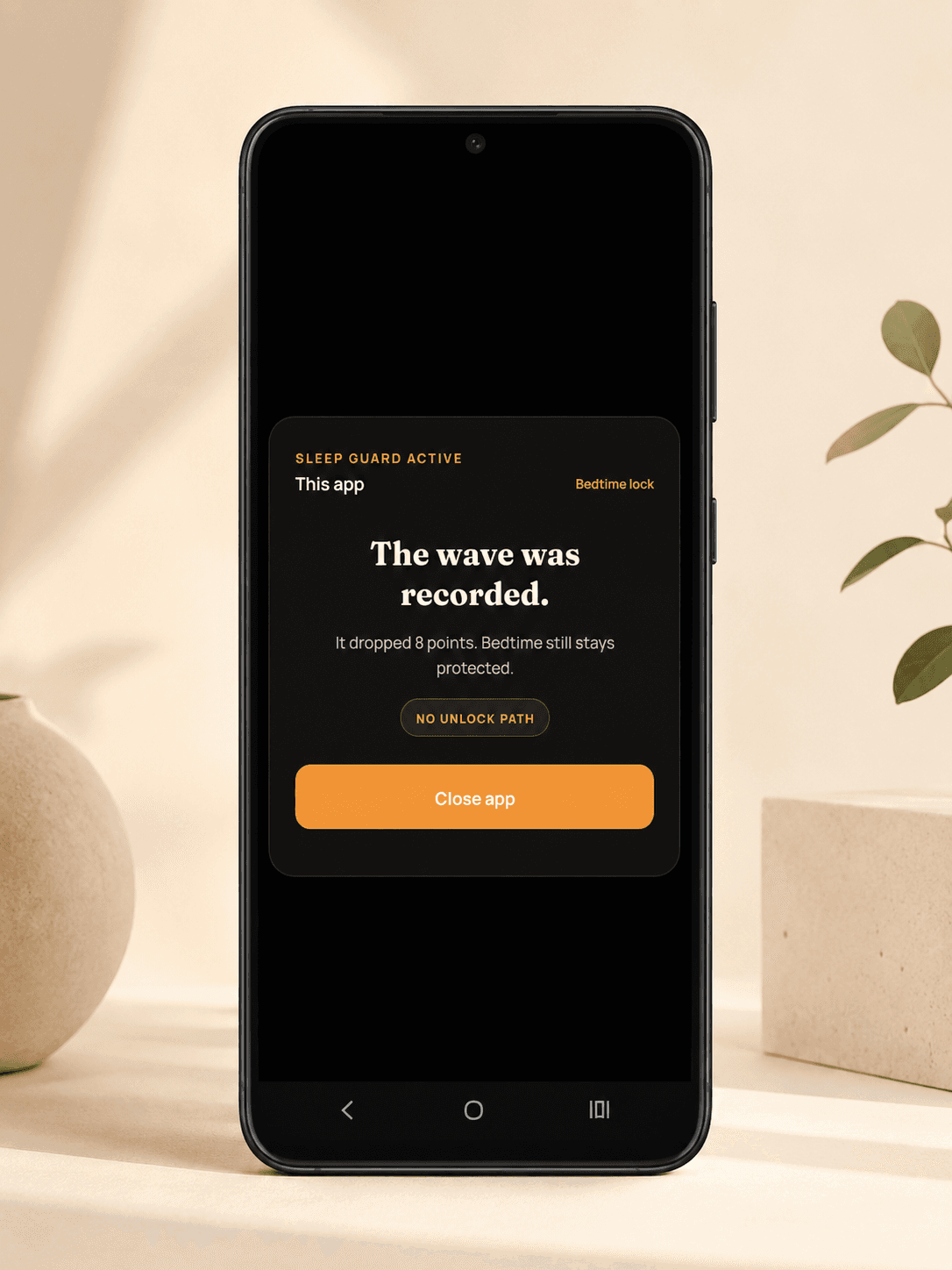
At 1 AM, the blocked app cannot win your night. DeepLock closes it.
Widgets
Focus, streaks, and screen time stay on your home screen.
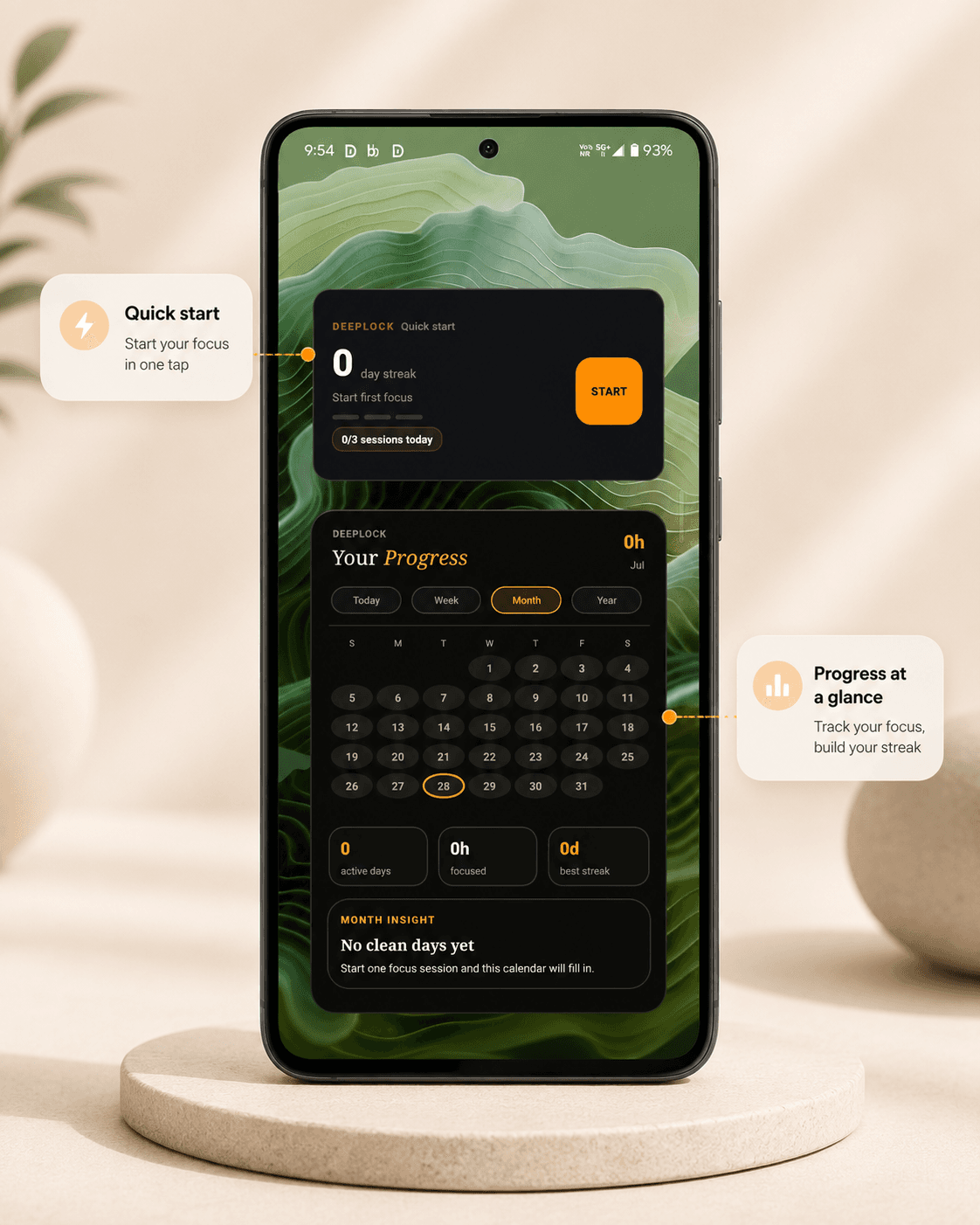
Keep DeepLock visible on your home screen.
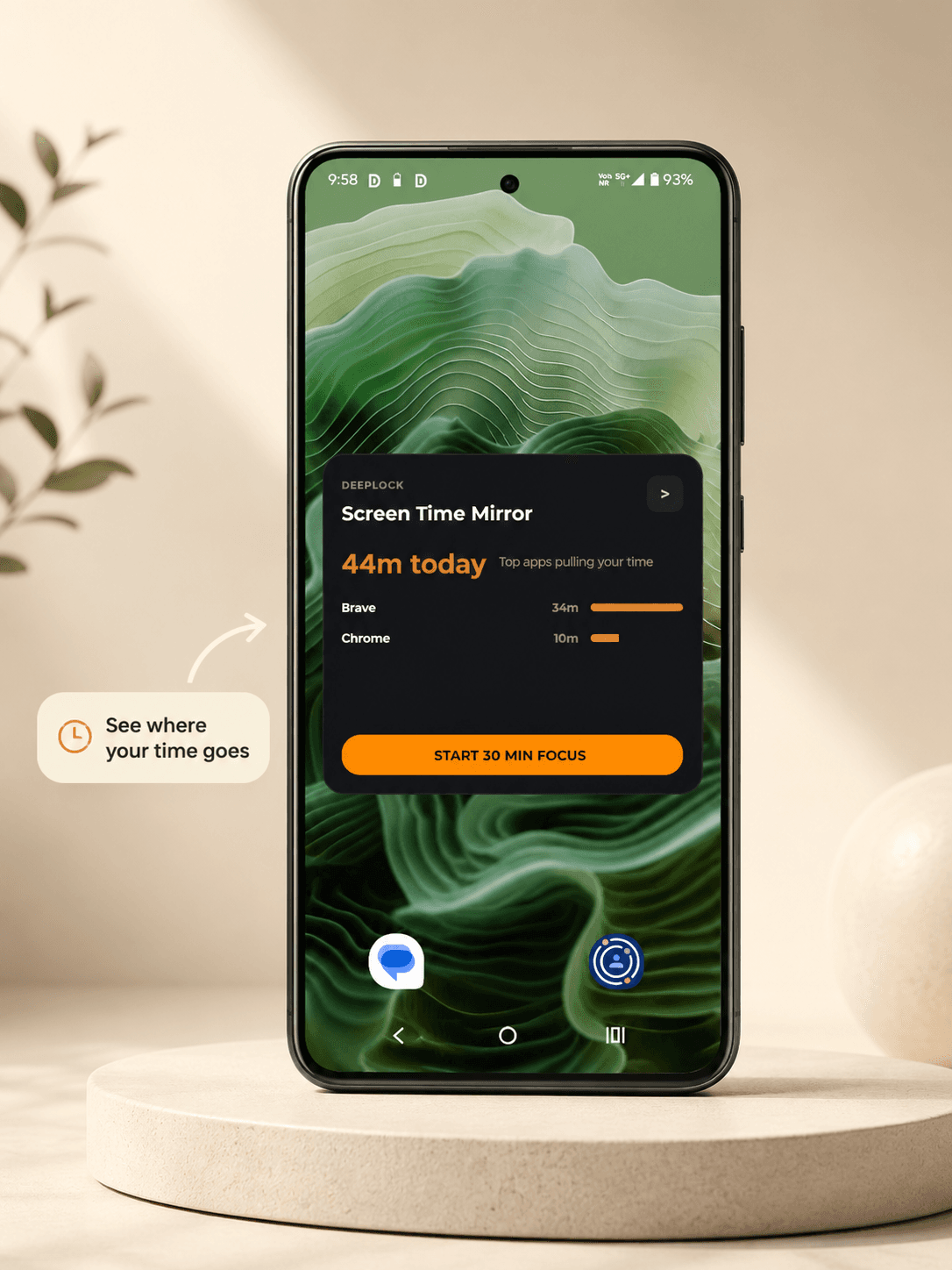
See focus, streaks, and time saved at a glance.
Features
Set a limit once. DeepLock blocks the moment it is crossed.
Choose a bedtime window. Selected apps close automatically.
See which apps are pulling your attention before the day slips away.
Track the days you kept the promise you made to yourself.
From the founder
Every blocker I tried was easy to bypass. I would hit my limit, disable the blocker, and open Instagram again. So I built DeepLock. Not to remind me. To stop me.
Early feedback
For parents
You cannot be there every second. Set the rule once while you are calm, and DeepLock holds it when the argument starts.
Questions
No. Trackers show what happened. DeepLock is built to stop the spiral while it is happening.
No. It is for people who know willpower gets weaker at the exact moment the app gets stronger.
Yes. Set the apps and limits while things are calm, then let DeepLock hold the boundary.
DeepLock is built around local-first privacy. No account is needed to start.
Trusted by early focus users
Start now
Stop negotiating with an algorithm built to win. Install DeepLock in 30 seconds.